



Switch to Spryn

Switch in minutes,
not days.

Import your backlog from Jira, Asana, or a CSV file. Your work arrives intact and ready for your next sprint — no manual entry, no migration project, no disruption.

No manual data entry · Preserves all your data · Takes under 5 minutes

Import from your current tool

Where are you switching from?

Sign up and complete the import inside the app. The whole process takes under 5 minutes.

Jira

Jira

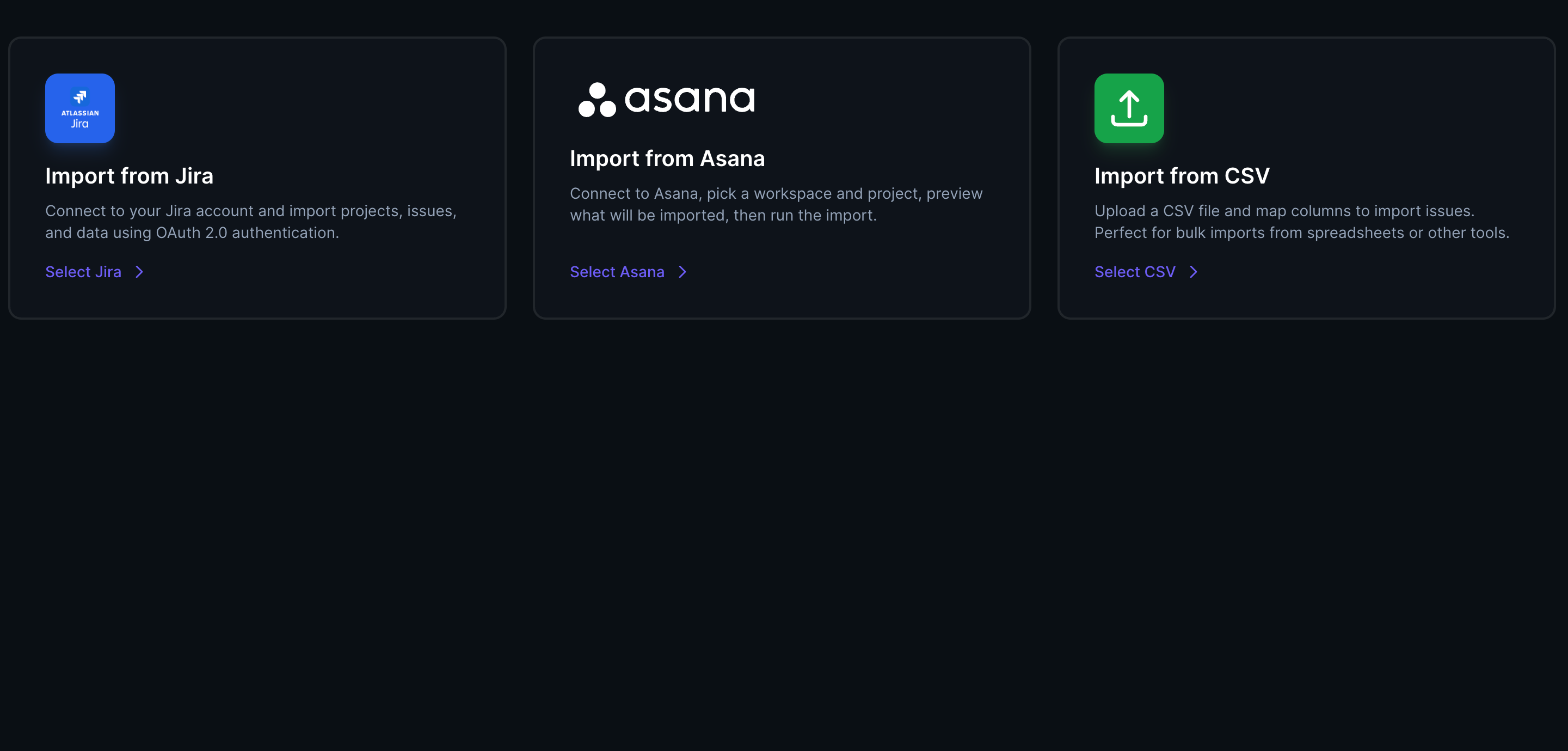
Connect your Jira workspace via OAuth. Choose the projects to import. Everything lands in Spryn ready for your next sprint.

  • Imports issues, epics, and story points
  • Preserves assignees and labels
  • Jira stays untouched — import is read-only
Switch from Jira →
Asana

Asana

Connect your Asana workspace via OAuth. Select the projects you want to bring across. Up and running in minutes.

  • Imports tasks, sections, and due dates
  • Preserves assignees and descriptions
  • Asana stays untouched — import is read-only
Switch from Asana →
CSV

CSV file

Using something else, or want a clean import? Export a CSV from any tool and upload it directly. We'll map the columns.

  • Works with any tool that exports CSV
  • Column mapping handled in the app
  • No formatting requirements
Import via CSV →

How it works

Three steps to your first Spryn sprint.

1

Sign up and connect

Create your Spryn account and connect your Jira or Asana workspace via secure OAuth — or upload a CSV file. Your credentials never leave your control. The import is read-only: nothing in your existing tool is changed.

2

Select what to import

Choose the projects or boards you want to bring across. Preview everything before confirming. You don't have to import everything — bring only what's relevant for the next sprint if that's all you need.

3

Plan your first sprint

Your backlog is in Spryn. Set your sprint intent, pull in the work that fits, and lock the sprint. Most teams run their first Spryn sprint the same day they import.

Common concerns

Things teams worry about
before switching.

"We're mid-sprint. We can't switch now."

You don't have to switch mid-sprint. Most teams finish their current sprint in Jira, then start the next one in Spryn. The import is available any time — you pick when to make the move.

"Will we lose historical data?"

No. Your import brings your backlog across. Your historical data stays in Jira or Asana exactly as it is — the import is read-only and non-destructive. Nothing is deleted from your existing tool.

"Our backlog has hundreds of tickets."

That's fine. Import as many or as few as you want. You don't need to bring everything — start with the work that's relevant for the next two sprints and keep the rest in Jira until you need it.

"The team is used to how Jira works."

Spryn is deliberately simpler than Jira. Most teams are oriented in under 10 minutes. There's no configuration required and no new process to learn — just a cleaner way to run the same sprint they're already running.

"What if Spryn isn't right for us?"

Start free, no credit card required. If Spryn isn't the right fit after your first sprint, your data exports cleanly and you go back to what you had. No lock-in, no switching cost in the other direction.

"We still use GitHub / GitLab / Slack."

Keep using them. Spryn integrates with GitHub, GitLab, and Slack — live sync for code activity and notifications. Jira and Asana become import sources, not live syncs. Your dev tools stay exactly as they are.

Ready to run your next sprint in Spryn?

Free to start. Import takes under 5 minutes. No disruption to your current sprint.